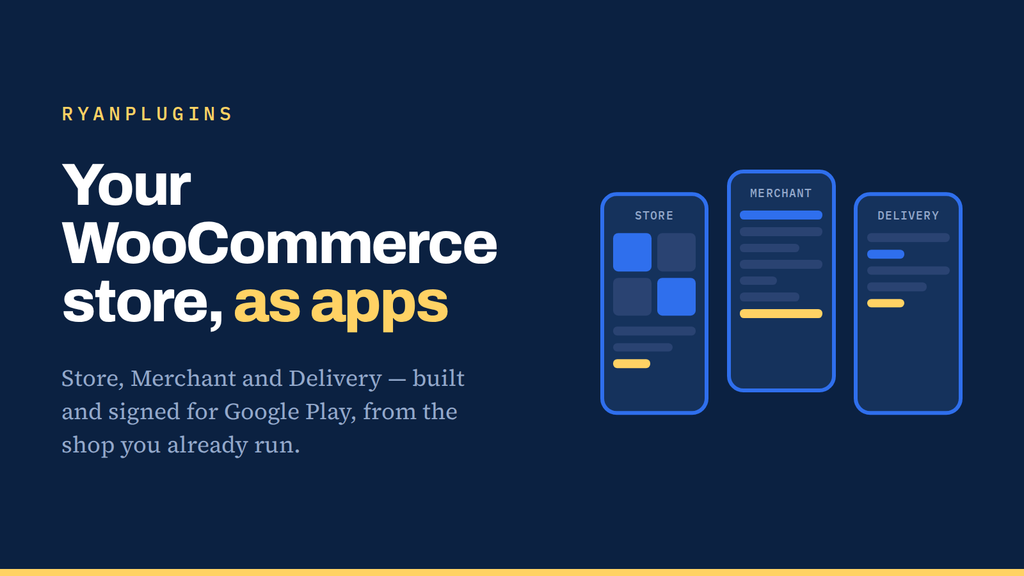
This is a WooCommerce app builder: it turns the store you already run into real apps, without rebuilding anything underneath. Your products, your orders, your payment gateway, your customers. The apps wrap what’s already there.
You are paying for the app, not for rebuilding the shop beneath it. That is the whole reason it costs what it costs: your WooCommerce install, your API and your payment gateway keep doing the work they already do, and the apps are the part your customers hold.
Four apps from one WooCommerce catalogue
Every app reads the same catalogue over your live store, so a price change or a new product shows up everywhere at once. There is no second database to keep in sync.
| App | Who it’s for | What’s in it |
|---|---|---|
| Store | Your shoppers | Browsing, cart, checkout, orders |
| Merchant | You and your staff | Products, stock, orders, deliveries |
| Delivery | Your drivers | Claiming jobs, working through them, earnings |
| Web App | A browser, no app store | An installable storefront — no review process, no waiting |
What each tier includes
| Feature | Starter | Pro | Agency |
|---|---|---|---|
| Connected stores | 1 | 3 | Unlimited |
| Builds per day | 10 | 20 | Unlimited |
| Mobile apps | Yes | Yes | Yes |
| Web app | — | Yes | Yes |
| Full source code | — | — | Yes |
How the WooCommerce app builder works
- Add your store. Your domain, and a licence issued for it.
- Install the connector. One plugin on your WordPress site. It is what lets the builders read your live catalogue.
- Pick a name, a colour, an icon. Then press Build. A few minutes later there is an installable file waiting for you.
Nothing on your server is modified beyond that one connector plugin. If you uninstall it, the store carries on exactly as before.
What it doesn’t do
- iOS is source-only. Apple builds need a Mac, so you compile that one in Xcode. The project is there; the machine has to be yours.
- There is no point of sale, and no wallet. Selling in person, saved cards and store credit are not part of this and are not planned. They are things to ask about as custom work, not something a tier includes.
- It needs WooCommerce. This wraps a shop that already exists. It is not a way to start one.
WooCommerce app builder FAQ
Do I need to know how to code?
No. You add a store, install the connector, choose a name, a colour and an icon, and press Build. The only step that needs a developer is compiling the iOS project, and that is optional.
Will my payment gateway work inside the app?
Yes. Checkout runs through the same gateway your website already uses, so whatever you have configured in WooCommerce — cards, ACH, wallets — is what your customers get in the app. Nothing is re-implemented, which means nothing new to reconcile at the end of the month.
How do the apps get onto Google Play?
Builds come out signed and ready to upload. You publish them under your own Google Play developer account, so the listing, the reviews and the install base belong to you rather than to me.
What happens when I add a product or change a price?
It appears in the apps straight away. They read your live catalogue through the connector, so ordinary catalogue changes never require a rebuild. You only rebuild when you want to change the app itself — its name, icon, colours or version.
Do I pay per app or per store?
Per store. All three mobile apps are one build with one signing key and one entitlement, so Store, Merchant and Delivery come together on every paid tier. Tiers differ on how many stores you can connect and how many builds you can run per day.
What happens to my apps if I stop my membership?
Apps you have already built and published keep working. What lapses is the ability to run new builds, along with support and updates. On the Agency tier you also hold the full source, so you can keep building on your own machine regardless.
ryanplugins.app
Connect your Patreon, add your store, and build your first app today.