 RyanPlugins
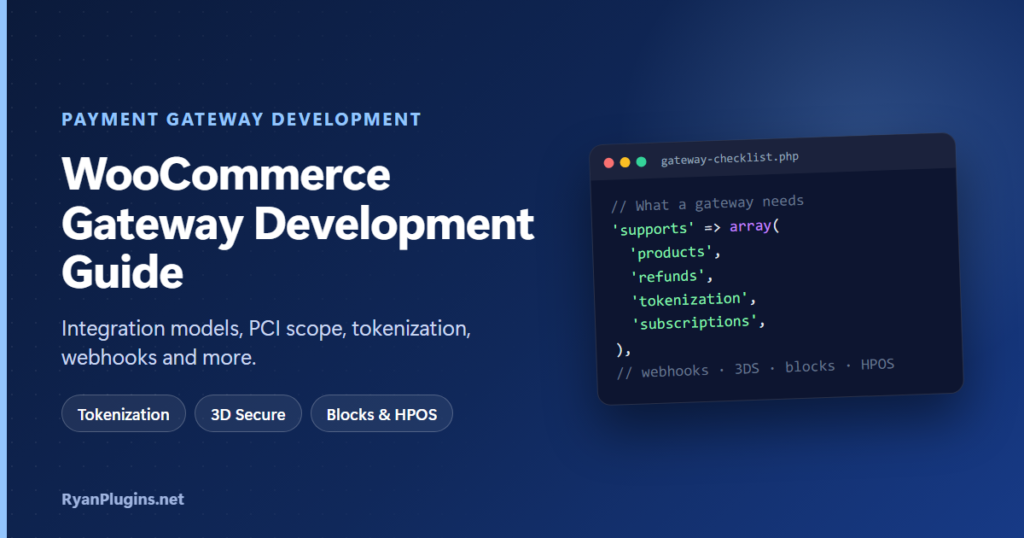
A WooCommerce payment gateway sits between your checkout and a payment provider. It turns an order into a charge, records the result, and keeps WooCommerce in step when refunds, disputes and renewals happen later. This guide explains how each part of that works, from integration models and PCI scope to tokenization, subscriptions, 3D Secure, block checkout and HPOS, so you can plan a gateway properly before writing code. For the code itself, follow the companion tutorial, how to build a custom WooCommerce payment gateway plugin.
What is WooCommerce payment gateway development?
Short answer: It is building a WordPress plugin that connects WooCommerce to a payment provider’s API. At its core is a PHP class extending WC_Payment_Gateway that charges orders and handles refunds. A production gateway also needs secure card collection through hosted fields, saved cards, subscription renewals, 3D Secure, webhooks, block checkout support and HPOS compatibility. Most of the work is in those parts, not in the first charge.
How an online card payment works
Every gateway design follows from these stages:
- Tokenize: the card details go from the customer’s browser to the provider, which returns a token.
- Authorize: the issuing bank checks the card and reserves the funds. 3D Secure may ask the customer to confirm.
- Capture: the merchant claims the reserved funds, either straight away (a “sale”) or later, for example when the order ships.
- Settle: captured payments are batched and paid out to the merchant’s bank, usually in one to three days.
- Afterwards: voids (cancel before settlement), refunds (return after settlement), disputes and recurring charges.
Your gateway maps these onto WooCommerce: an authorization becomes an On hold order, a capture becomes Processing via payment_complete(), and a refund becomes a WooCommerce refund record.
Choose an integration model
This is the most important decision, because it sets both the checkout experience and your PCI scope.
| Model | How it works | PCI questionnaire (typical) | Trade-off |
|---|---|---|---|
| Redirect / hosted page | The customer pays on the provider’s page and comes back | SAQ A | Simplest and safest, but the customer leaves your site |
| Hosted fields (iframes) | The provider’s card inputs sit inside your checkout and return a token | SAQ A | Looks native, with little PCI burden. The usual modern choice |
| JavaScript direct post | Your page posts card data straight to the provider with its script | SAQ A-EP | More control, but your page can affect card data, so more requirements |
| Direct API | Card numbers pass through your server to the provider | SAQ D | Full control and the heaviest compliance. Rarely worth it for a store |
Which questionnaire applies is decided by your acquirer, so treat the column as a guide. Examples from real plugins: accept.blue v2 uses hosted tokenization, and Cybersource Unified Checkout uses provider-served fields and wallets.
The building blocks of a WooCommerce gateway
| Piece | Where it lives | What it does |
|---|---|---|
| Gateway class | extends WC_Payment_Gateway | Settings, checkout fields, process_payment(), process_refund() |
| Registration | woocommerce_payment_gateways filter | Tells WooCommerce the gateway exists |
$supports array | Gateway constructor | Declares features: products, refunds, tokenization, subscriptions and others |
| Webhook endpoint | woocommerce_api_{id} action at /wc-api/{id}/ | Receives events from the provider |
| Block integration | AbstractPaymentMethodType plus a JS registerPaymentMethod() | Makes the gateway appear in the block checkout |
| Compatibility | FeaturesUtil::declare_compatibility() | Declares HPOS and block checkout support |
Saved cards and tokenization
To let customers save a card, add tokenization to $supports and store the provider’s reusable token as a WC_Payment_Token_CC linked to the customer. Store only the token, card brand, last four digits and expiry, never the card number. WooCommerce then shows saved cards at checkout and under My Account › Payment methods. Ask the customer’s consent to store the card, and mark the first charge as a customer-initiated transaction that sets up later merchant-initiated ones, as your provider’s API requires.
Subscriptions and recurring payments
WooCommerce Subscriptions charges renewals through your gateway with no customer present. Declare the subscriptions feature, plus related ones such as subscription_cancellation, subscription_amount_changes and multiple_subscriptions, and hook woocommerce_scheduled_subscription_payment_{gateway_id} to charge the saved token. Plan for failure: a declined renewal should fail the renewal order cleanly so Subscriptions can retry it, and customers need a way to update their card.
An alternative is the provider’s own recurring billing, which runs the schedule on the provider’s side. It is simpler to start but harder to keep in step with WooCommerce’s subscription status.
3D Secure and Strong Customer Authentication
In Europe, the UK and a growing number of other markets, card payments often need the customer to confirm with their bank. With 3D Secure 2, most payments pass “frictionless” in the background, and some step up to a challenge such as a one-time code. Your gateway must start authentication, show the challenge (usually in a modal or iframe from the provider’s SDK), and only complete the order once the authenticated payment succeeds. Hosted fields and provider SDKs handle most of this. Building it yourself on a direct API is a significant project.
Webhooks: keep WooCommerce in step
Some events happen after checkout: delayed captures, refunds made in the provider’s dashboard, disputes, ACH returns. Webhooks tell your store about them. Three rules: verify the signature on every request, find the order by the stored transaction ID, and make handlers idempotent, because providers retry deliveries.
Block checkout and HPOS
Block checkout is the default for new WooCommerce stores. It’s built in React and talks to the Store API, so a classic-only gateway simply doesn’t appear. You need a PHP integration class and a JavaScript payment method that renders your fields and passes the token to the server.
HPOS (High-Performance Order Storage) moves orders out of the posts tables into their own tables. Gateways that read or write orders through get_post_meta() break. Use wc_get_order(), $order->get_meta() and $order->update_meta_data() throughout, then declare compatibility.
Security checklist
- Card numbers never touch your server. Use hosted fields or a redirect.
- Keep API keys in the gateway settings or
wp-config.php, never in code or the front end, and mask them in the admin screen. - Verify webhook signatures with
hash_equals(). - Recalculate amounts from the order on the server. Never trust a total sent from the browser.
- Send an idempotency key with charge requests, so a retry can’t double charge.
- Mask card data and secrets in debug logs, and make logging optional.
- Sanitize input, escape output and check capabilities and nonces on admin actions.
- Rate-limit or add a challenge to checkout, to slow card-testing attacks.
Testing a gateway
Use the provider’s sandbox and test cards to cover approvals, declines, 3D Secure challenges, partial and full refunds, voids, saved-card payments, subscription renewals and webhook retries. Run every flow on both the classic and the block checkout, with HPOS on and off. Our Cybersource sandbox testing guide shows what a thorough test plan looks like for a real provider.
How long does it take, and should you build or buy?
| Scope | Typical effort |
|---|---|
| Basic gateway: one-time card payments and refunds, classic checkout | A few days |
| Plus block checkout, HPOS, webhooks and logging | One to two weeks |
| Plus saved cards, Subscriptions, 3D Secure, wallets and a test suite | Several weeks to a few months |
If a well-maintained plugin already exists for your provider, buying it is almost always cheaper than building and maintaining your own, because providers, browsers and WooCommerce all keep changing. Build when no plugin exists, when you need features none offer, or when the gateway is part of your product. RyanPlugins builds and maintains gateways for accept.blue, Cybersource and crypto wallets, and takes on custom payment integrations.
Frequently asked questions
What language are WooCommerce payment gateways written in?
PHP for the gateway class, settings, payments, refunds and webhooks, and JavaScript (React) for the block checkout integration and the provider’s hosted fields.
Do I need a merchant account to develop a gateway?
You need sandbox credentials, which most providers give for free. A live merchant account is only needed to take real payments.
What is the difference between a payment gateway and a payment processor?
The gateway securely passes the payment from your checkout to the processing network and returns the result. The processor moves the money between the card networks and the banks. Many providers offer both. In WooCommerce, “payment gateway” also means the plugin that connects to them.
Does my gateway have to support the block checkout?
If you want it to work on new WooCommerce stores, yes. The block checkout is the default, and gateways without a block integration don’t appear in it.
How do I keep a gateway working after WooCommerce updates?
Use WooCommerce’s public APIs rather than database tables, declare feature compatibility, test against WooCommerce release candidates, and watch your provider’s API deprecation notices.