 RyanPlugins
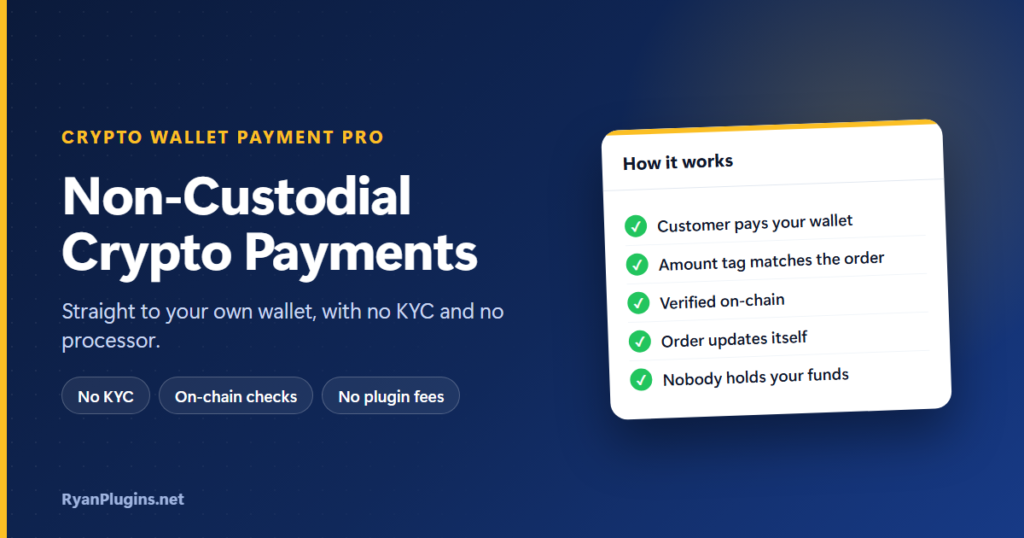
Most ways to take crypto in an online store put a company in the middle: it holds the coins, asks for KYC documents and can freeze your balance. Non-custodial crypto payments skip that step. The customer pays straight into a wallet you control, and nobody else ever holds the funds. This guide, and the 3-minute video below, explain how non-custodial crypto payments work in WooCommerce with Crypto Wallet Payment Pro, what the plugin checks for you, and what you still have to watch.
In the video: 0:17 the problem, 0:38 how it works, 1:01 coins and stablecoins, 1:22 detection and orders, 1:41 amount checks, 2:02 non-custodial and no KYC, 2:25 recap.
What are non-custodial crypto payments?
Short answer: Non-custodial crypto payments go directly from the customer’s wallet to your own wallet, with no payment company holding the money in between. You keep the keys, so no one can freeze, delay or take a cut of your funds, and there is no account to open or KYC to pass. The trade-off is that the checks a processor would do (matching the payment to the order, checking the amount) have to happen in your store instead. In WooCommerce, a plugin such as Crypto Wallet Payment Pro does those checks on-chain.
Custodial processor vs non-custodial plugin
| Custodial crypto processor | Non-custodial plugin | |
|---|---|---|
| Where the money goes | To the processor’s account first | Straight to your wallet |
| Who holds the keys | The processor | You |
| Signup and KYC | Usually required | None |
| Fees | Usually a percentage of each sale | None from the plugin; the customer pays the normal network fee |
| Can funds be frozen? | Yes, by the processor | No |
| Converting to cash | Often built in | Up to you, through an exchange |
| Matching payments to orders | Done by the processor | Done by the plugin on-chain |
For a closer look at fees and features, see our guide to accepting crypto payments in WooCommerce.
How a crypto payment works, step by step
- The customer picks a coin at checkout. The plugin converts the order total at a live exchange rate and shows a countdown (15 minutes by default) for how long that amount is valid.
- They pay to your wallet address, shown as text and as a QR code. They can scan it with a phone wallet, or connect a browser wallet and pay in one step.
- The order is placed on hold with the transaction ID. A connected wallet fills it in automatically; with a manual transfer, the customer pastes it at checkout or adds it later from My Account.
- The plugin checks the blockchain. It looks the transaction up on-chain every few minutes (5 by default), or instantly through a webhook from a provider such as Blockfrost, Helius or Etherscan.
- The order updates itself. Once the payment is confirmed, the order moves to Processing, or Completed if you choose, with no manual step.
If a crypto order seems stuck, it’s usually waiting for a transaction ID or for network confirmations.
How the plugin knows a payment belongs to an order
Your wallet address is public, so anyone can see payments arriving at it. To stop someone using another customer’s transaction to mark their own order as paid, the plugin links each payment to its order. It adds a small tag to the last digits of the amount (10.00 USDC might be shown as 10.000137), and it can also check the address the customer said they would pay from. It also rejects a transaction ID that has already paid another order.
Supported coins and stablecoins
- Coins: Bitcoin, Ethereum (also on Arbitrum, Optimism and Base), BNB, Solana, Cardano, XRP, Sui and NEAR.
- Stablecoins: USDT, USDC and PYUSD on the networks that carry them (including Tron for USDT and USDC), plus USDM and USDCx on Cardano.
Stablecoins avoid most of the price risk, because one USDC stays worth about one US dollar. If they’re all you need, see how to accept stablecoin payments in WooCommerce. There are also guides for USDT, Solana, Cardano and XRP.
Underpayments, overpayments and price swings
Crypto prices can move between the moment the customer sees the amount and the moment the payment lands. The plugin compares the amount actually received with the amount expected:
- Underpayment tolerance: payments up to 2% below the total are accepted by default. You can change the percentage.
- Overpayment warning: if more than twice the expected amount arrives, the plugin adds a warning note to the order, because it usually means the wrong transaction.
- Before you ship: check the amount received against the order total, especially on high-value orders paid in a volatile coin.
What non-custodial means for you
You control the funds, so you also carry the responsibility. Keep your wallet’s recovery phrase safe and offline, since nobody can recover it for you. Refunds are sent from your own wallet. Taxes and any rules on accepting crypto in your country still apply, as they would with any payment method. For the basics of how wallets and keys work, see ethereum.org’s introduction to wallets.
Frequently asked questions
Do I need KYC to accept non-custodial crypto payments?
Not to use the plugin. There is no signup and no processor account, so you can start as soon as you add your wallet addresses. An exchange will usually ask for KYC if you later convert crypto to cash there.
Does the plugin take a fee?
No. The customer pays the normal blockchain network fee for the coin they choose, and you receive the rest.
Does each order get its own wallet address?
No. Every payment for a network goes to the one address you set for it. The amount tag, the payer address and the transaction check are what tie each payment to its order.
What happens if a customer never pays?
The order stays on hold. You can set an expiry window so unpaid crypto orders are cancelled automatically and their stock is restored.
Get started
Crypto Wallet Payment for WooCommerce Pro costs $79 USD, one-time. It is built and supported by RyanPlugins, so you talk directly to the developer. For the full feature list, see the Crypto Wallet Payment Pro overview.