 RyanPlugins
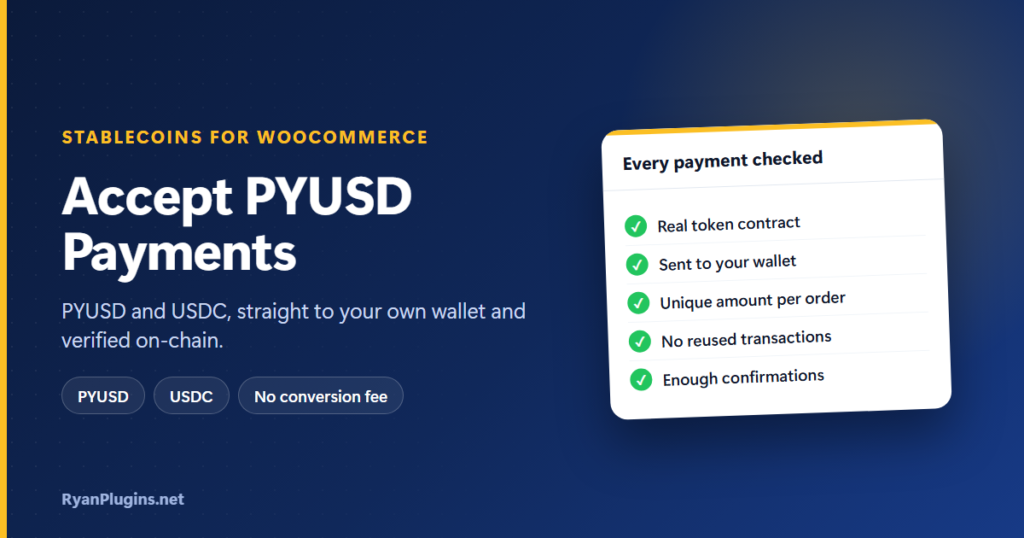
PayPal USD (PYUSD) and USDC are digital dollars: each one is designed to stay worth one US dollar, and both move on public blockchains in seconds. That makes them a practical way to accept crypto without the price swings. This guide, and the 3-minute video below, show how to accept PYUSD payments and USDC in WooCommerce with Stablecoins for WooCommerce, which sends every payment straight to your own wallet and checks it on-chain before the order is marked paid.
In the video: 0:21 coins and networks, 0:45 checkout and wallets, 1:19 verification, 1:43 wrong amounts, 2:11 your wallet, your keys, 2:23 setup and testing, 2:55 recap.
How do you accept PYUSD payments in WooCommerce?
Short answer: Install a stablecoin payment gateway, add your PYUSD receiving address for Ethereum or Solana, and add a free API key so the plugin can read the blockchain. Customers then choose PYUSD at checkout, pay from their wallet, and the plugin checks the transfer on-chain before marking the order paid. With Stablecoins for WooCommerce, the money goes straight to your wallet, so there is no custodian, no account to open and no conversion fee. The same setup accepts USDC on Ethereum, Base and Solana, and USDM and USDCx on Cardano.
Supported coins and networks
| Network | Stablecoins | Customer wallets |
|---|---|---|
| Ethereum | USDC, PYUSD | WalletConnect wallets and browser wallets |
| Base | USDC | WalletConnect wallets and browser wallets |
| Solana | USDC, PYUSD | Phantom, Solflare, Backpack |
| Cardano | USDM, USDCx | Eternl, Lace, Vespr |
Network fees are paid by the customer and differ a lot between networks. On Base and Solana they are usually a cent or less, while Ethereum can cost much more when it’s busy. PYUSD is issued for PayPal; you can read about it on PayPal’s PYUSD page.
Checkout: how customers pay
- Pick a coin and network. Prices are 1:1 with US dollars. If your store uses another currency, the total is converted at a live exchange rate, and the amount is held for 30 minutes by default.
- Pay with a wallet. The customer connects their wallet and approves the payment, with the exact amount already filled in. An optional “Pay at checkout” mode opens the wallet before the order is placed.
- Or pay manually. A payment page shows your address, the exact amount and a QR code, for customers who pay from an exchange or a phone wallet.
It works on both classic and Block checkout and is compatible with HPOS.
How each payment is verified
An order is only marked paid after the plugin reads the transfer from the blockchain and confirms it:
- The token is the real PYUSD or USDC contract, not a look-alike coin.
- The recipient is your wallet address.
- The amount matches the order. Each order gets a unique amount (a few extra digits at the end), which is how a transfer is matched to the right order.
- The transaction is new: one sent before the order was created, or already used for another order, is rejected.
- The transfer has enough confirmations: 12 on Ethereum, 10 on Base, finalized on Solana and 5 on Cardano.
Once all checks pass, the order moves to Processing (or the status you choose) on its own.
What happens with a wrong amount
- Underpayment tolerance: a payment slightly below the total, by up to 0.5% by default, is still accepted. You can change the percentage.
- Bigger shortfalls: the order goes On hold with a note showing what was received and what was expected, so you can collect the balance or refund.
- Missed match: if a transfer isn’t picked up, the customer or you can attach the transaction ID to the order and the plugin checks it again.
- Never paid: unpaid orders are cancelled after 24 hours by default.
Your wallet, your keys
The plugin never holds your funds or your private keys. It only needs your public receiving addresses. That means no one can freeze your balance, but it also means you’re responsible for keeping your wallet’s recovery phrase safe. For more on how this compares with a payment processor, see non-custodial crypto payments, explained.
Setup and testing
- Check the requirements: WordPress 6.2 or newer, PHP 7.4 or newer, and WooCommerce.
- Add a receiving address for each network you want to accept.
- Add free API keys from Etherscan (Ethereum and Base), Helius (Solana) and Blockfrost (Cardano), plus a free WalletConnect Project ID for Ethereum and Base wallets.
- Leave Test Mode on (it is on by default) and pay on the test networks: Sepolia, Base Sepolia, Solana devnet and Cardano preprod. You can also make test mode public, to run a demo store.
- Turn Test Mode off to accept PYUSD payments and other stablecoins for real.
Frequently asked questions
Do I need a PayPal account to accept PYUSD payments?
No. PYUSD is a token on Ethereum and Solana, so you only need a wallet that can receive it there. The customer can send it from any compatible wallet, or move it out of PayPal to their wallet first.
Is there a fee per payment?
The plugin takes no conversion fee or percentage. The customer pays the network fee for the chain they use. You can optionally add a discount or a surcharge for stablecoin payments.
Which network should I tell customers to use?
For USDC, Base is the default network, and USDC on Base usually costs the customer about a cent. For PYUSD, Solana is usually much cheaper than Ethereum. Customers can still pick any network you enable.
Can I accept other cryptocurrencies too?
This plugin is for dollar stablecoins only. For Bitcoin, Ethereum and other coins, see our guide to accepting crypto payments in WooCommerce, or how to accept stablecoin payments for a wider comparison.
Get started
Stablecoins for WooCommerce costs $79 USD and is built and supported by RyanPlugins, so you talk directly to the developer. For the full feature list, see the Stablecoins for WooCommerce overview.