 RyanPlugins
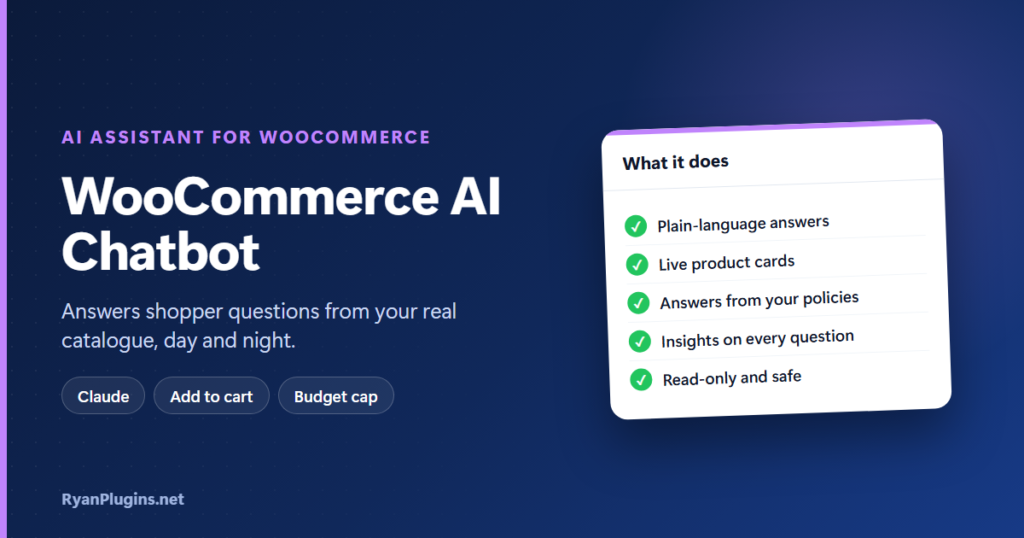
Shoppers have questions at all hours: which size, is it waterproof, do you ship to my country? A WooCommerce AI chatbot answers them on your store, day and night, and helps turn those questions into sales. This walkthrough of AI Assistant for WooCommerce, powered by Anthropic’s Claude, covers what shoppers see, what you control, and how it keeps your store safe.
In the video: 0:18 what shoppers see, 0:46 product cards and cart, 1:08 your store knowledge, 1:24 insights, 1:45 Claude and budget, 2:12 safety and privacy, 2:42 setup, 3:10 recap.
What is a WooCommerce AI chatbot?
Short answer: A WooCommerce AI chatbot is a chat window on your store that understands questions in plain language and answers from your own catalogue and policies. Unlike a scripted chatbot that follows fixed menus, it can handle “a waterproof jacket under $100” or “what’s on sale?”, show the matching products and let the shopper add them to the cart. AI Assistant for WooCommerce runs inside your WordPress site and uses your own Claude API key, so there is no SaaS subscription and no outside dashboard.
What shoppers see
- A chat button on every page, with your welcome message and suggested questions.
- Plain-language answers taken from your real product catalogue.
- A thumbs up or down on every answer, plus a contact link when they want a real person.
- No chat on the cart and checkout pages by default, so it never gets in the way of payment.
Product cards and add to cart
When the assistant suggests products, it shows them as cards with the image, live price, stock, sale badge and option pickers. The shopper can add an item to the cart straight from the chat, and the header cart updates without a page reload. The assistant never adds items by itself; only the shopper does.
Answers from your own store knowledge
Answers about shipping, returns and promotions come only from the pages and answers you provide, never from guesswork. Under Knowledge you can add short answers for anything shoppers ask often, such as sizing, gift wrapping or opening hours.
Insights: learn what shoppers ask
The Insights screen shows conversations, answers, spend, top products and a chat-to-checkout funnel. It also lists questions without a good answer, so you know what to add next. Under Conversations you can review chats filtered by Needs attention, Not helpful or No matching products. Checking those once a week is the fastest way to make the AI chatbot better.
Claude and your monthly budget
The assistant runs on Anthropic’s Claude with your own Claude API key, and Anthropic bills the usage to you directly. You set a monthly budget in the plugin, get an email at 80% and again at the limit, and the chat pauses when the budget is reached, so there are no surprise bills. For what an answer costs on each model, see the cost table in our guide to adding an AI shopping assistant to WooCommerce.
Safety and privacy
- Nothing is sent to Anthropic until you agree in the setup wizard.
- The AI can only look things up. It can’t change carts, orders or customer data, or place orders.
- Prices, discounts and stock come from WooCommerce, and the assistant only mentions coupon codes you’ve given it.
- Your API key is stored encrypted, built-in abuse protection stops anyone running up your bill, and WordPress’s privacy export and erase tools are supported.
Setup in about five minutes
A setup wizard walks you through each step: license, Claude API key with a free connection test, model and budget, product search, store information, and go live. The chat runs in its own isolated layer, so your theme isn’t affected.
You need WordPress 6.2 or later, WooCommerce 8.0 or later, PHP 8.1 or later, and a Claude API key with credit on the account. The step-by-step AI shopping assistant guide covers each setting in detail.
Frequently asked questions
Is this different from a scripted chatbot?
Yes. A scripted chatbot follows menus you build in advance. This AI chatbot understands free-form questions and searches your live catalogue, so it can answer things you never wrote a script for.
Can the chatbot make up prices or discounts?
No. Prices, discounts and stock on the product cards come straight from WooCommerce, and it only mentions coupon codes and policies you’ve provided.
Do I need a monthly subscription?
Not to RyanPlugins. You need a Claude API key, and Anthropic bills you for what you use. Your budget cap in the plugin keeps that predictable.
Will it slow down or restyle my theme?
The chat runs in an isolated layer, so your theme’s styles don’t affect it and it doesn’t affect them.
Get started
AI Assistant for WooCommerce costs $49 USD, and your license key comes with the download. It is built and supported by RyanPlugins, so you talk directly to the developer.