
Posted on — Leave a comment

How to Install CyberSource Payment Gateway Plugin

How to Install CyberSource Payment Gateway Plugin

Step 1. Download the CyberSource plugin in your Codecanyon Dashboard

How to Install CyberSource Payment Gateway Plugin screenshot 1

Step 2. Extract the file zip archive in your computer

How to Install CyberSource Payment Gateway Plugin screenshot 2
How to Install CyberSource Payment Gateway Plugin screenshot 3

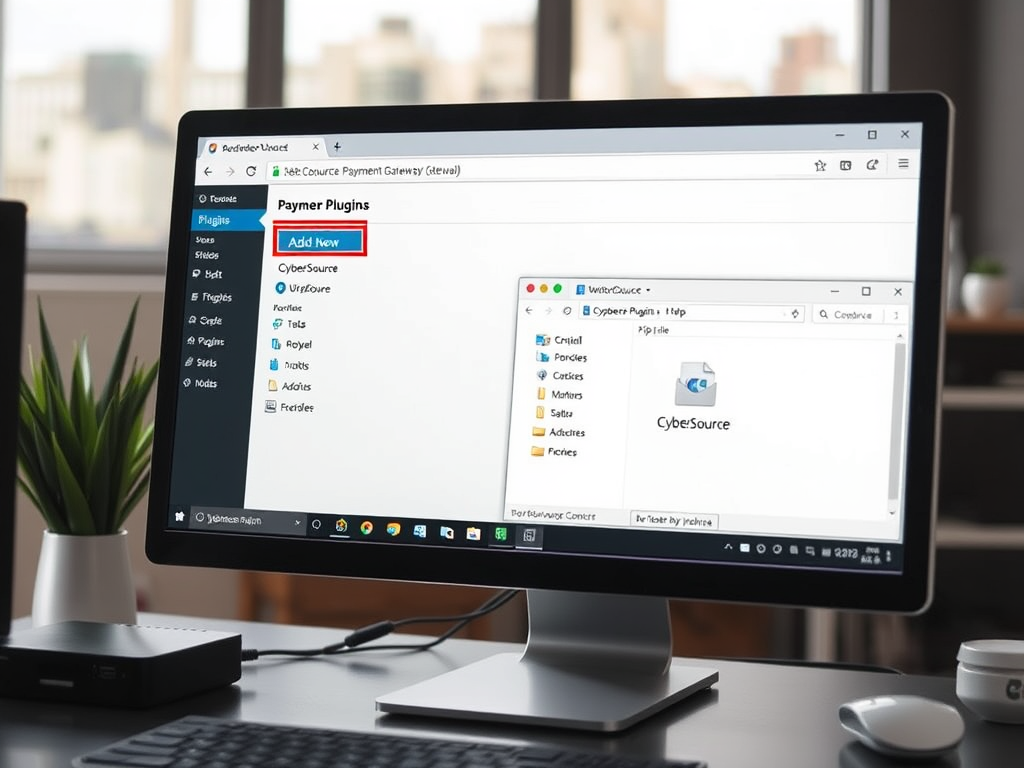
Step 3. Install your CyberSource plugin in WordPress

Goto in your WordPress admin dashboard menu plugins > Add New

How to Install CyberSource Payment Gateway Plugin screenshot 4

Next Add Plugins using Upload Plugin button

How to Install CyberSource Payment Gateway Plugin screenshot 5

Upload the CyberSource plugin zip file

How to Install CyberSource Payment Gateway Plugin screenshot 6

Activate the CyberSource plugin

How to Install CyberSource Payment Gateway Plugin screenshot 7