Home / Guides

WooCommerce guides and tutorials

Setup guides, how-tos and plugin walkthroughs for WooCommerce payments, self checkout, AI and store apps.
CyberSource Microform Integration v2 for WooCommerce: secure card fields on your own checkout, paid with a transient token
CyberSource

CyberSource Microform Integration v2 for WooCommerce
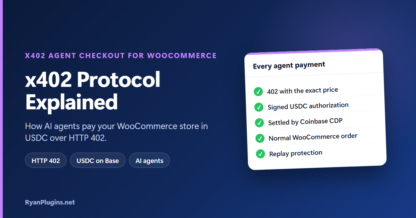
x402 Protocol Explained: How AI agents pay your WooCommerce store in USDC over HTTP 402.
AI & agents

x402 Protocol Explained: How AI Agents Buy From WooCommerce
Cybersource WooCommerce Subscriptions: Saved cards, automatic renewals and wallets in an embedded checkout.
CyberSource

Cybersource WooCommerce Subscriptions and Wallets Explained
Formidable Forms Recurring Payments: Subscriptions, installment plans and one-time charges from any form.
accept.blue

Formidable Forms Recurring Payments With accept.blue
Accept PYUSD Payments: PYUSD and USDC, straight to your own wallet and verified on-chain.
Crypto

Accept PYUSD Payments and USDC in WooCommerce, Explained
WooCommerce Credit Card Surcharge: Pass card fees on, plus a full tour of the gateway.
accept.blue

WooCommerce Credit Card Surcharge: accept.blue Gateway Tour
Non-Custodial Crypto Payments: Straight to your own wallet, with no KYC and no processor.
Crypto

Non-Custodial Crypto Payments for WooCommerce, Explained
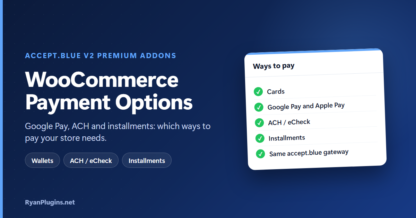
WooCommerce Payment Options: Google Pay, ACH and installments: which ways to pay your store needs.
accept.blue

WooCommerce Payment Options: Google Pay, ACH and Installments
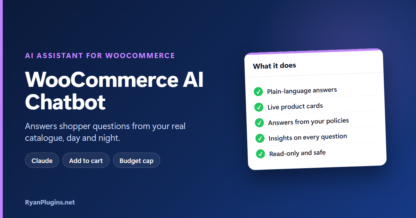
WooCommerce AI Chatbot: Answers shopper questions from your real catalogue, day and night.
AI & agents

WooCommerce AI Chatbot Walkthrough: Claude-Powered Assistant
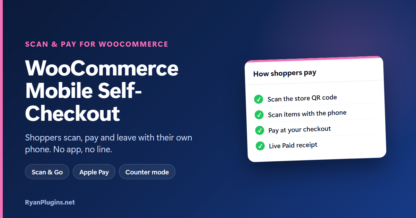
WooCommerce Mobile Self-Checkout: Shoppers scan, pay and leave with their own phone. No app, no line.
WooCommerce

WooCommerce Mobile Self-Checkout: Scan & Pay Walkthrough
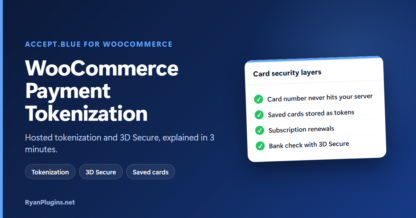
WooCommerce Payment Tokenization: Hosted tokenization and 3D Secure, explained in 3 minutes.
accept.blue

WooCommerce Payment Tokenization and 3D Secure Explained
Buy Now, Pay Later for WooCommerce: Installment payments through your accept.blue merchant account.
accept.blue

Buy Now, Pay Later for WooCommerce With accept.blue Installments
accept.blue 3D Secure for WooCommerce: how SCA authentication works at checkout and how to turn it on.
accept.blue

3D Secure for WooCommerce With accept.blue: How It Works and How to Set It Up
accept.blue Level 3 processing (Level III) for WooCommerce
accept.blue

Level 2 and Level 3 Processing for WooCommerce: What They Are and When They Lower Your Fees
XRP for WooCommerce: Accept Ripple Payments in Your Store
Crypto

XRP for WooCommerce: Accept Ripple Payments in Your Store

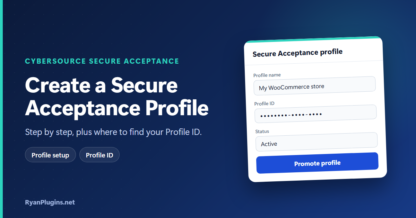
Create a CyberSource Secure Acceptance Profile: step by step, plus where to find your Profile ID.
CyberSource

How to Create a CyberSource Secure Acceptance Profile (Step-by-Step Guide)

Formidable Forms accept.blue Payment Gateway
accept.blue

Formidable Forms accept.blue Payment Gateway

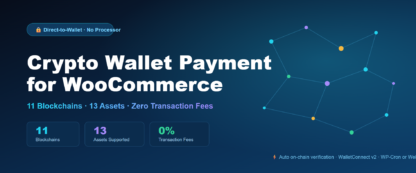
Crypto Wallet Payment for WooCommerce Pro
Crypto

Crypto Wallet Payment for WooCommerce Pro

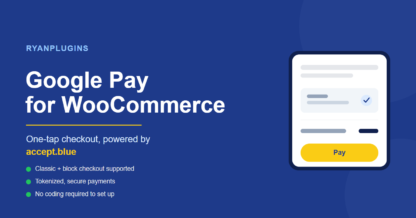
Google Pay WooCommerce Checkout: 5 Powerful Benefits with accept.blue
accept.blue

Google Pay for WooCommerce: Setup Guide with accept.blue

Apple Pay WooCommerce setup with accept.blue
accept.blue

How to Set Up Apple Pay on WooCommerce with accept.blue
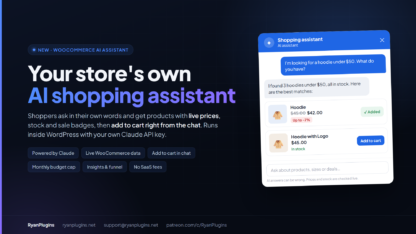
WooCommerce AI shopping assistant chat showing a hoodie with a sale price and an Added to cart button
AI & agents

How to Add an AI Shopping Assistant to WooCommerce
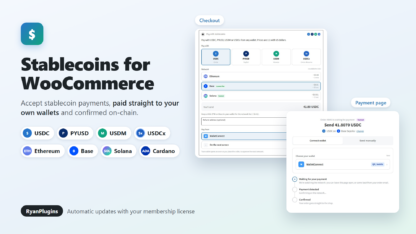
WooCommerce USDC payment plugin: Stablecoins for WooCommerce accepts USDC, PYUSD, USDM and USDCx on Ethereum, Base, Solana and Cardano
Crypto

Stablecoins for WooCommerce: Accept USDC, PYUSD, USDM and USDCx
Accept Stablecoin Payments in WooCommerce: USDC and other stablecoins, paid straight to your own wallet.
Crypto

How to Accept Stablecoin Payments in WooCommerce
Best Cloud Hosting for WooCommerce: Dedicated CPU, RAM and PHP workers for a fast checkout.
Hosting

Best Cloud Hosting for WooCommerce in 2026
Best VPS Hosting for WooCommerce: Root access, AMD EPYC and NVMe for stores that want full control.
Hosting

Best VPS Hosting for WooCommerce in 2026
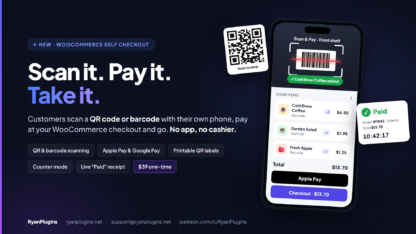
QR code self-checkout with Scan & Pay, a WooCommerce self checkout: a phone scanning a barcode, the scanned item list with Apple Pay and a live Paid receipt
Scan & Pay

Scan & Pay for WooCommerce — Self Checkout with QR Codes & Barcodes
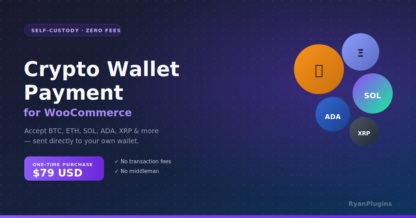
WooCommerce crypto payment plugin: accept crypto payments with no fees and no middleman
Crypto

Accept Crypto Payments in WooCommerce (No Fees, No Middleman)
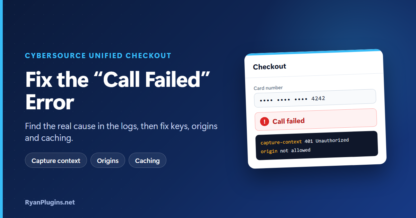
Unified Checkout call failed error: find the real cause in the logs, then fix keys, origins and caching.
CyberSource

Cybersource Unified Checkout “Call Failed”: How to Fix It in WooCommerce
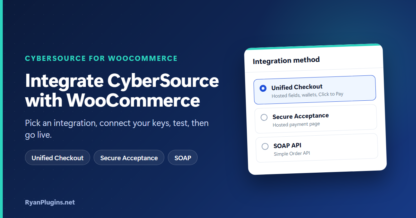
Integrate CyberSource with WooCommerce: Pick an integration, connect your keys, test, then go live.
CyberSource

How to Integrate CyberSource with WooCommerce
CyberSource Unified Checkout WooCommerce — Digital Wallets
CyberSource

CyberSource Unified Checkout – Digital Wallets WooCommerce
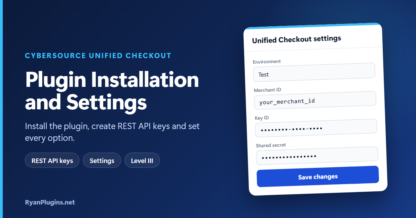
Cybersource Unified Checkout plugin installation and settings: install the plugin, create REST API keys and set every option.
CyberSource

Cybersource Unified Checkout Plugin: Installation and Settings Guide

QR code self-checkout with Scan & Pay, a WooCommerce self checkout: a phone scanning a barcode, the scanned item list with Apple Pay and a live Paid receipt
Scan & Pay

How to Set Up QR Code Self-Checkout in WooCommerce (Scan & Pay)
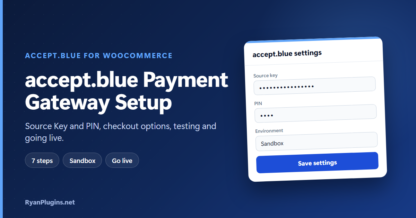
accept.blue Payment Gateway Setup: Source Key and PIN, checkout options, testing and going live.
accept.blue

accept.blue WooCommerce Payment Gateway Setup Guide
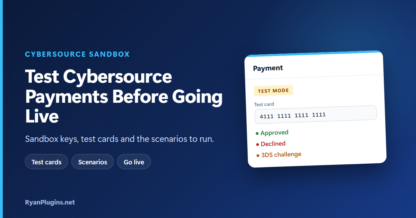
Test Cybersource Payments Before Going Live: Sandbox keys, test cards and the scenarios to run.
CyberSource

How to Test Cybersource Payments in WooCommerce (Sandbox Guide)
Unified Checkout Integration Guide: Business Center setup, Click to Pay, fraud screening and 3D Secure.
CyberSource

Cybersource Unified Checkout WooCommerce Integration Guide
WooCommerce app builder pricing and the 4 apps: Store, Merchant, Delivery and Web
App builder

WooCommerce App Builder: Pricing and 4 Apps From Your Store

WooCommerce Flutter app builder: mobile apps for customers, staff and drivers
App builder

WooCommerce Mobile App Builder with Flutter
eCheck WooCommerce payments over ACH: how debits work, clearing times, returns and setup.
accept.blue

eCheck Payments for WooCommerce: ACH Setup with accept.blue
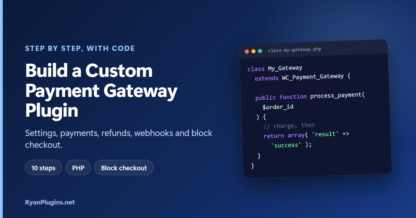
Build a custom WooCommerce payment gateway plugin: settings, payments, refunds, webhooks and block checkout.
WooCommerce

How to Build a Custom WooCommerce Payment Gateway Plugin
WooCommerce payment gateway development guide: integration models, PCI scope, tokenization, webhooks and more.
WooCommerce

WooCommerce Payment Gateway Development: Complete Guide
Cybersource Unified Checkout Apple Pay and Google Pay enrollment: domain verification, test devices and Google Pay setup.
CyberSource

Apple Pay and Google Pay Enrollment for Cybersource Unified Checkout
Hostinger Agency Hosting cover: all your client sites on one plan
Hosting

Hostinger Agency Hosting: Plans, Pricing and Features for Agencies and Freelancers
Headless WooCommerce web app builder: fast Next.js apps from your store, with no backend rebuild.
App builder

WooCommerce Web App Builder with Next.js

AI Agent for WooCommerce
AI & agents

AI Agent for WooCommerce

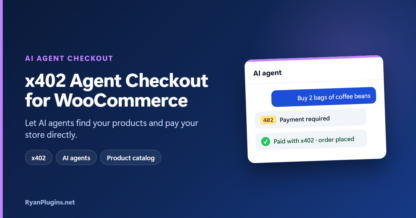
x402 Agent Checkout Setup Guide for WooCommerce (v1.11)
AI & agents

x402 Agent Checkout Setup Guide for WooCommerce (v1.11)

x402 Agent Checkout for WooCommerce: Let AI agents find your products and pay your store directly.
AI & agents

x402 Agent Checkout for WooCommerce: Complete Setup Guide & Pricing
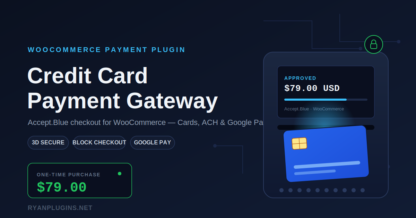
WooCommerce Credit Card Payment Gateway: Complete Setup Guide (2026)
accept.blue

WooCommerce Credit Card Payment Gateway: Complete Setup Guide (2026)

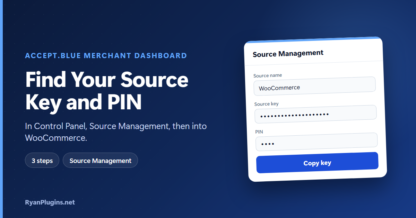
Find Your Source Key and PIN: In Control Panel, Source Management, then into WooCommerce.
accept.blue

How to get Accept.Blue Payment Gateway Merchant Source Key and PIN?
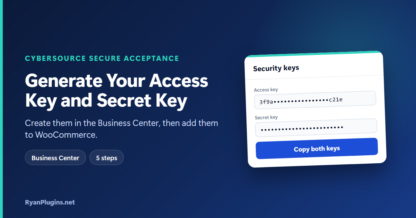
Generate your CyberSource Access Key and Secret Key in the Business Center, then add them to WooCommerce.

CyberSource

How to Generate Your CyberSource Access Key and Secret Key

Best WooCommerce Hosting for 2026: Why Hostinger Is My Recommended Choice
Hosting

Best WooCommerce Hosting for 2026 – Fast, Secure & Affordable Hostinger Hosting

Best WooCommerce Hosting for 2026 – Fast, Secure & Affordable Hostinger Hosting
Hosting

Start Your WooCommerce Store in 2026 with the Fastest & Cheapest Hosting Solution

Hostinger Premium WordPress Hosting 2026
Hosting

Hostinger Premium WordPress Hosting 2026

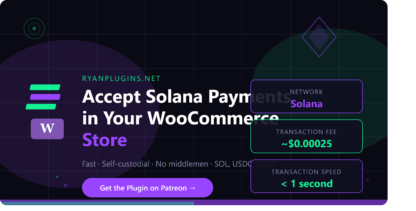
Solana WooCommerce payment gateway plugin
Crypto

How to Accept Solana Payments in Your WooCommerce Store
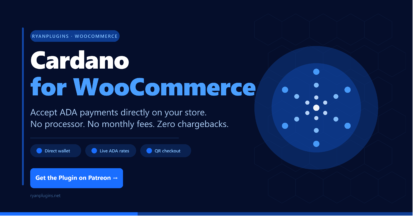
Cardano for WooCommerce plugin by RyanPlugins
Crypto

Cardano for WooCommerce: Accept ADA Payments on Your Online Store
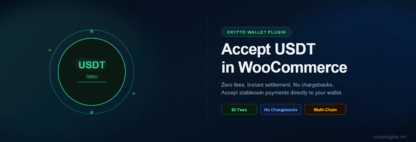
How to Accept USDT (Tether) Payments in WooCommerce
Crypto

How to Accept USDT (Tether) Payments in WooCommerce