 RyanPlugins
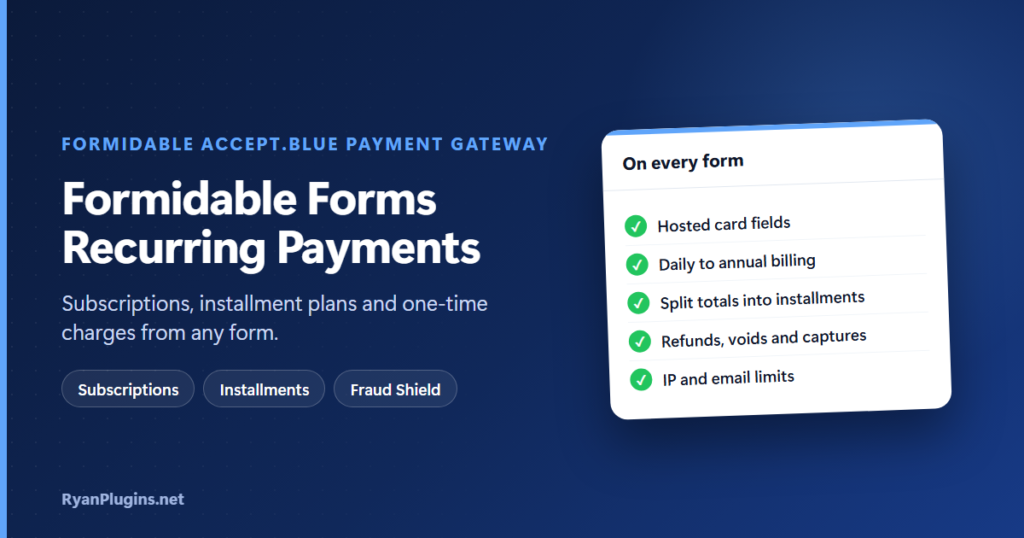
Formidable Forms is great for sign-ups, registrations and donations, but many of those forms need to bill more than once: a monthly membership, tuition paid in three parts, a recurring gift. This guide, and the 3-minute video below, show how to set up Formidable Forms recurring payments with accept.blue, including subscriptions, installment plans, one-time charges, refunds and fraud protection, all without leaving WordPress.
In the video: 0:24 secure card payments, 0:41 one-time and authorize, 0:55 recurring and installments, 1:22 refunds and captures, 1:36 transactions and webhooks, 2:05 Fraud Shield, 2:20 setup and recap.
Can Formidable Forms take recurring payments?
Short answer: Yes. With the Formidable accept.blue Payment Gateway, you add an accept.blue payment action to the form and turn on Enable Recurring. When the form is submitted, the plugin saves the card in accept.blue and creates a payment schedule there, so accept.blue charges the customer automatically. You choose the frequency (daily to annually), whether it runs until cancelled or as a fixed number of installments, and an optional free trial. It works with Formidable Forms Free or Pro.
Subscriptions vs installment plans
| Subscription | Installment plan | |
|---|---|---|
| What it does | Charges the same amount until cancelled, or for a set number of payments | Splits a total into equal payments |
| Example | $25 a month for a membership | $300 tuition as 3 monthly payments of $100 |
| Number of payments | 0 means “until cancelled” | The number of installments you set |
| Good for | Memberships, recurring donations, retainers | Courses, events, services with a fixed price |
Both use the same frequencies: daily, weekly, bi-weekly, monthly, bi-monthly, quarterly, bi-annually and annually. A trial period delays the first charge by the number of days you set, and the first payment runs the day after the trial ends.
One-time and authorize-only payments
Not every form needs recurring billing. A payment action can also take a single charge, either a fixed amount or an amount from a field. If you use a field, point it at one the customer can’t edit, such as a Formidable calculated field or a hidden field. If it’s a plain field the customer types in, they can pay any amount they like. Payments are in US dollars only, because accept.blue doesn’t support other currencies.
Turn off “Capture payment immediately” to authorize only. The card is held but not charged, and you capture it later, optionally for a different amount. That suits deposits, bookings and orders where the final price can change.
Secure card fields and 3D Secure
The card number is typed into an accept.blue-hosted field, so raw card data never passes through your server. You can turn on 3D Secure 2 per form action, with an optional frictionless mode that asks the bank to approve without a challenge. You can also show the card surcharge below the card field if your merchant account uses surcharging. For background, see how payment tokenization works and 3D Secure with accept.blue.
Refunds, voids and the transactions panel
- Refunds: full or partial.
- Voids: cancel a transaction before it settles.
- Capture and Adjust + Capture: charge a held authorization, at the original or a new amount.
- Transactions panel: filter by date, status and form, see revenue totals, sync with accept.blue in one click and export to CSV.
- Webhooks: charges, settlements, refunds and subscription events from accept.blue update the panel in real time.
Fraud Shield
Public payment forms attract card testing, where bots try stolen card numbers with small charges. Fraud Shield adds server-side rules before a card is charged:
- A limit on attempts per IP address per hour (10 by default) and per email address per hour (5 by default).
- A maximum amount, which can either block or only log a payment above it.
- Block-lists for card BIN prefixes and for countries (2-letter codes).
Fraud Shield is off until you enable it. If your site is behind Cloudflare or another proxy, read the Trust Proxy Headers note in its settings so the IP limit sees the real visitor IP.
Setup
- Check the requirements: WordPress 6.0 or newer, PHP 7.4 or newer, Formidable Forms (Free or Pro) and an active accept.blue merchant account.
- Add your accept.blue API keys in Formidable’s Global Settings. See how to find your Source Key and PIN.
- Add the accept.blue payment field to your form.
- Add an accept.blue payment action, set the amount, and turn on Enable Recurring for subscriptions or installments.
- Submit a few test payments in accept.blue’s sandbox, then switch to your live keys.
The Formidable Forms accept.blue payment gateway guide walks through the full installation.
Frequently asked questions
Do Formidable Forms recurring payments need Formidable Pro?
No. The plugin works with the free version of Formidable Forms as well as Pro. Pro adds features like calculated fields, which are handy for computing the amount.
Can ACH or Google Pay be used for recurring payments?
Not yet. Bank account (ACH) and Google Pay fields currently take one-time charges only. Recurring billing, 3D Secure and the surcharge display are card-only.
Who charges the renewals?
accept.blue does. The schedule lives in your accept.blue account and runs on its own, so renewals don’t depend on visitors loading your site.
Can I take payments in other currencies?
No. accept.blue processes in US dollars only.
Get started
The Formidable accept.blue Payment Gateway is built and supported by RyanPlugins, so you talk directly to the developer. For other ways to take payments, see our guide to payment gateways.