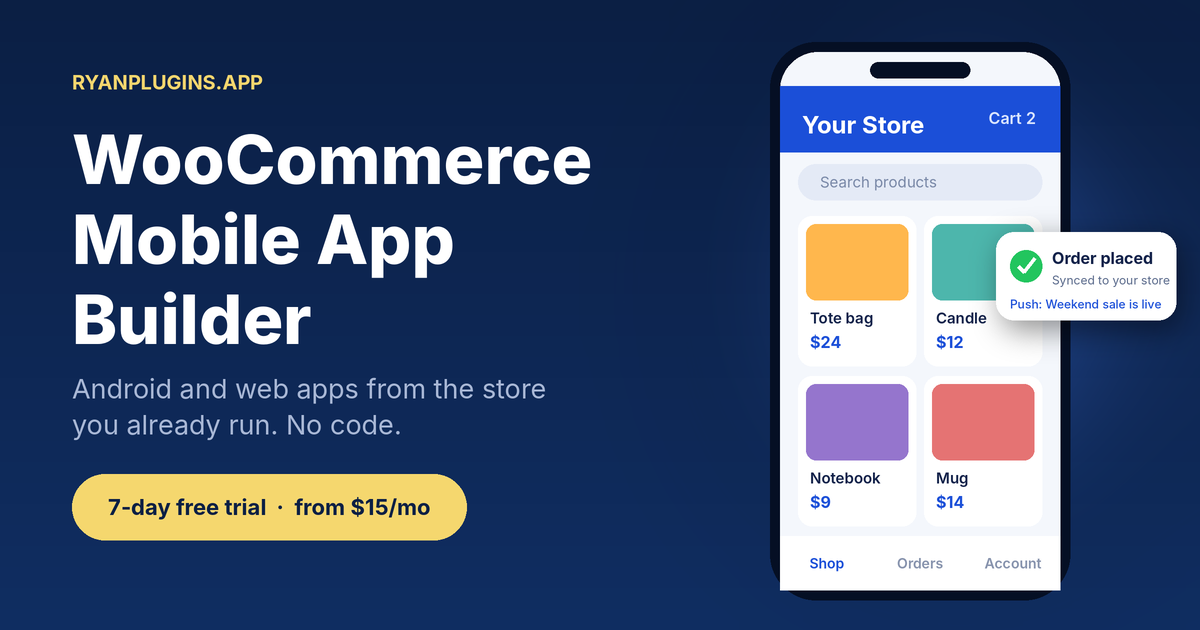
RyanPlugins.app is a WooCommerce mobile app builder: your WooCommerce store, as a mobile app. Keep your products and orders. Add Android and web apps.
The problem: your store is easy to find once, and easy to forget
Customers browse on their phones, but your store lives in a browser tab. Every visit starts with a search or a link, and nothing brings them back when you run a sale.
Then you look into a mobile app and hit the usual walls:
- Custom development: a new project, a new budget and a long timeline.
- Generic app makers: built for any website, not for WooCommerce products, variations and orders.
- Starting over: moving to another platform just to get an app.
The solution: a WooCommerce mobile app builder made for your store
RyanPlugins.app connects to the WooCommerce store you already run and gives you Android and web apps built from it. Same products. Same orders. Same store.
Three ways to get a mobile app, compared
| Custom development | Generic app maker | RyanPlugins.app | |
|---|---|---|---|
| Understands WooCommerce | Only if built that way | Often partly | Built for it |
| Keeps your existing store | Depends | Depends | Yes |
| Needs a developer | Yes | Sometimes | No |
| Android + web app | Extra work | Varies | Included |
How it works
Setup takes three steps, and none of them involve writing code.
- Install the RyanPlugins Connector plugin on your WordPress site to connect your WooCommerce store.
- Choose your app name, colors and icon in the dashboard, then press Build.
- Download your signed Android App Bundle (.aab) to publish on Google Play from your own developer account, plus an .apk to try on your phone first.
Products, prices and stock stay live from WooCommerce through the connector, so you only rebuild when you change the app’s name, icon or colors. The Starter plan covers the Android shop, merchant and delivery apps. Pro adds the installable web app.
See it in action
Features
- Android shop, merchant and delivery apps, plus an installable web app, from one WooCommerce store
- Browse products, categories and search inside the app
- Cart and checkout connected to your store, with every payment gateway on Pro
- Push notifications for sales and reminders
- Your branding: app name, icon and colors
- Products, prices and stock stay live from WooCommerce; orders appear in your normal WooCommerce dashboard
Pricing
Billed monthly through Patreon. Every plan builds signed Android apps ready for Google Play.
Starter
7-day free trial
$15 / month
One store, with the Android shop, merchant and delivery apps.
Pro
7-day free trial
$39 / month
Up to three stores; adds the installable web app and every payment gateway.
Agency
$399 / month
Unlimited stores, full app source code and direct developer access.
FAQ
What is a WooCommerce mobile app builder?
A tool that turns a WooCommerce store into a mobile app without building one from scratch. RyanPlugins.app uses your existing store as the source.
Do I need to rebuild my store?
No. You keep your WooCommerce store as it is and add the app on top.
Do I need a developer?
No. Install the RyanPlugins Connector plugin on your WordPress site, choose your app name, colors and icon in the dashboard, and press Build. The app is compiled for you.
Does it work on iOS?
Every build gives you signed Android apps, and Pro and Agency add an installable web app that works on iPhones too. For a native iOS app, Agency includes the full source code with an Xcode project. See the WooCommerce app builder page for each platform.
How is this different from a regular app maker?
Generic makers aren’t designed around WooCommerce products and orders. See WooCommerce app maker.