 RyanPlugins
Guides / Accept.Blue
Accept.Blue
Guides, setup steps and features for the accept.blue payment gateway on WooCommerce, including ACH, 3D Secure, Apple Pay and Google Pay.
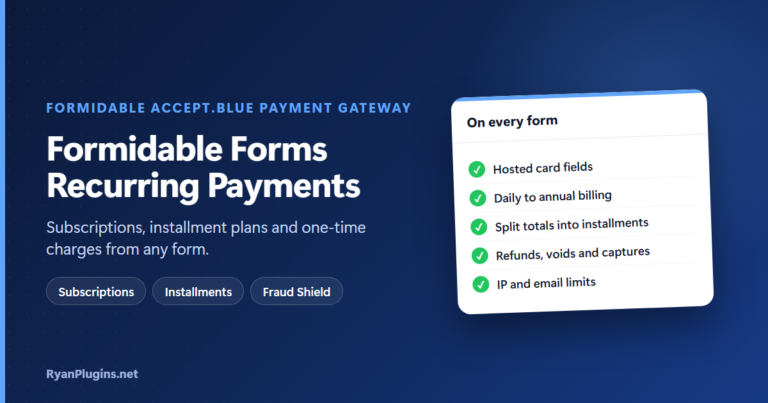
Formidable Forms Recurring Payments With accept.blue
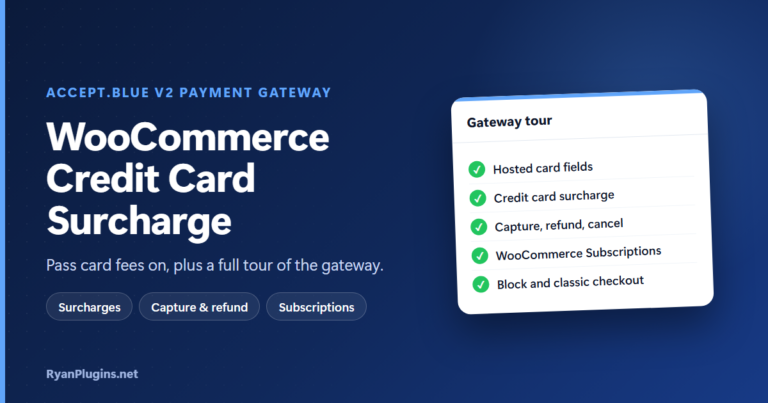
WooCommerce Credit Card Surcharge: accept.blue Gateway Tour
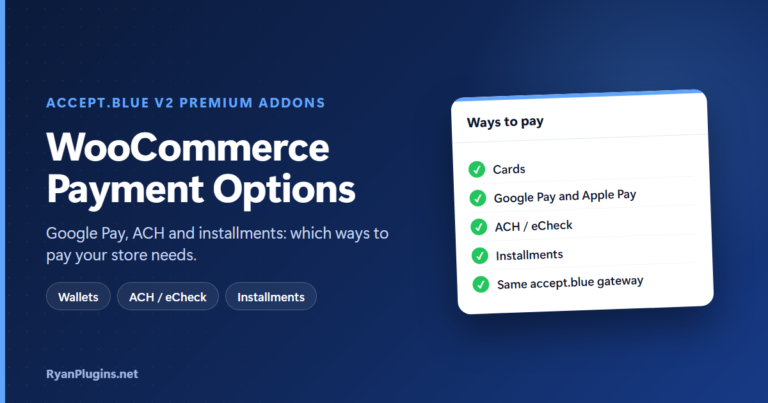
WooCommerce Payment Options: Google Pay, ACH and Installments
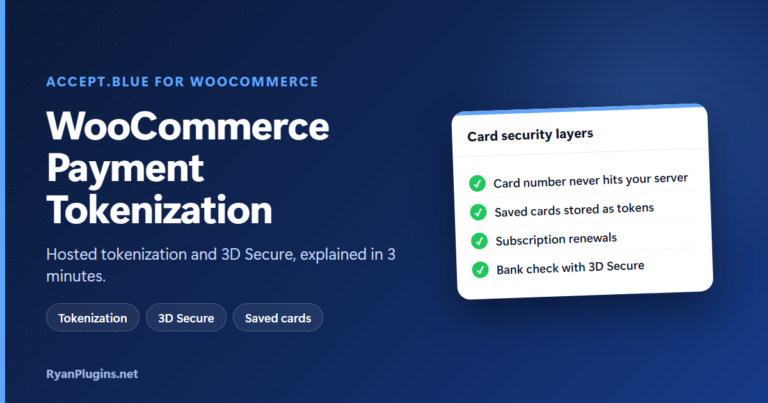
WooCommerce Payment Tokenization and 3D Secure Explained
How to Set Up Apple Pay on WooCommerce with accept.blue
WooCommerce Credit Card Payment Gateway: Complete Setup Guide (2026)
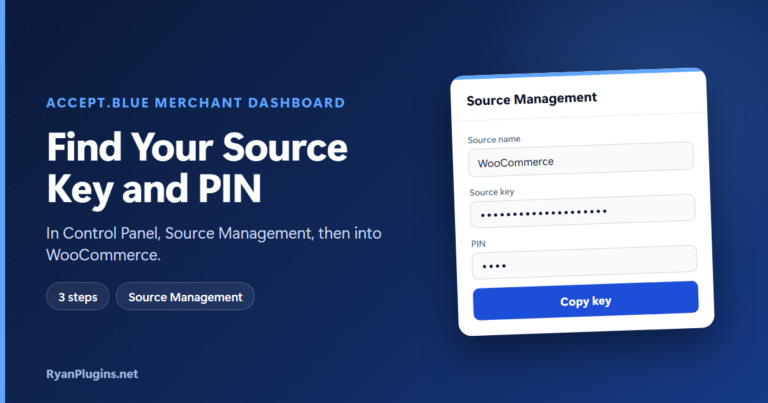
How to get Accept.Blue Payment Gateway Merchant Source Key and PIN?
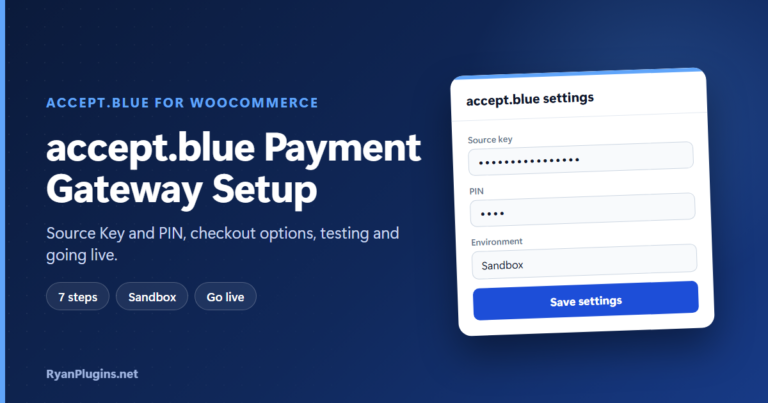
accept.blue WooCommerce Payment Gateway Setup Guide
eCheck Payments for WooCommerce: ACH Setup with accept.blue
Google Pay for WooCommerce: Setup Guide with accept.blue
Buy Now, Pay Later for WooCommerce With accept.blue Installments
Level 2 and Level 3 Processing for WooCommerce: What They Are and When They Lower Your Fees
Using accept.blue with WooCommerce
accept.blue is a payment gateway used by many US merchants and ISOs for card and ACH processing. These guides cover everything you need to run it on a WooCommerce store, from the first API credentials to advanced features that lower your processing costs.
If you are just starting, read the accept.blue WooCommerce setup guide and learn where to find your source key and PIN. Then add the payment methods your customers expect: Apple Pay, Google Pay, ACH and eCheck and buy now, pay later.
For risk and cost control, 3D Secure shifts liability for authenticated card payments, and Level III processing can reduce interchange fees on business and government cards. Selling through forms instead of a shop? The Formidable Forms integration takes payments directly in a form.
Every guide is written for the accept.blue v2 Payment Gateway for WooCommerce, which supports classic and block checkout, hosted tokenization and surcharges, with digital wallets and ACH in the premium add-ons.