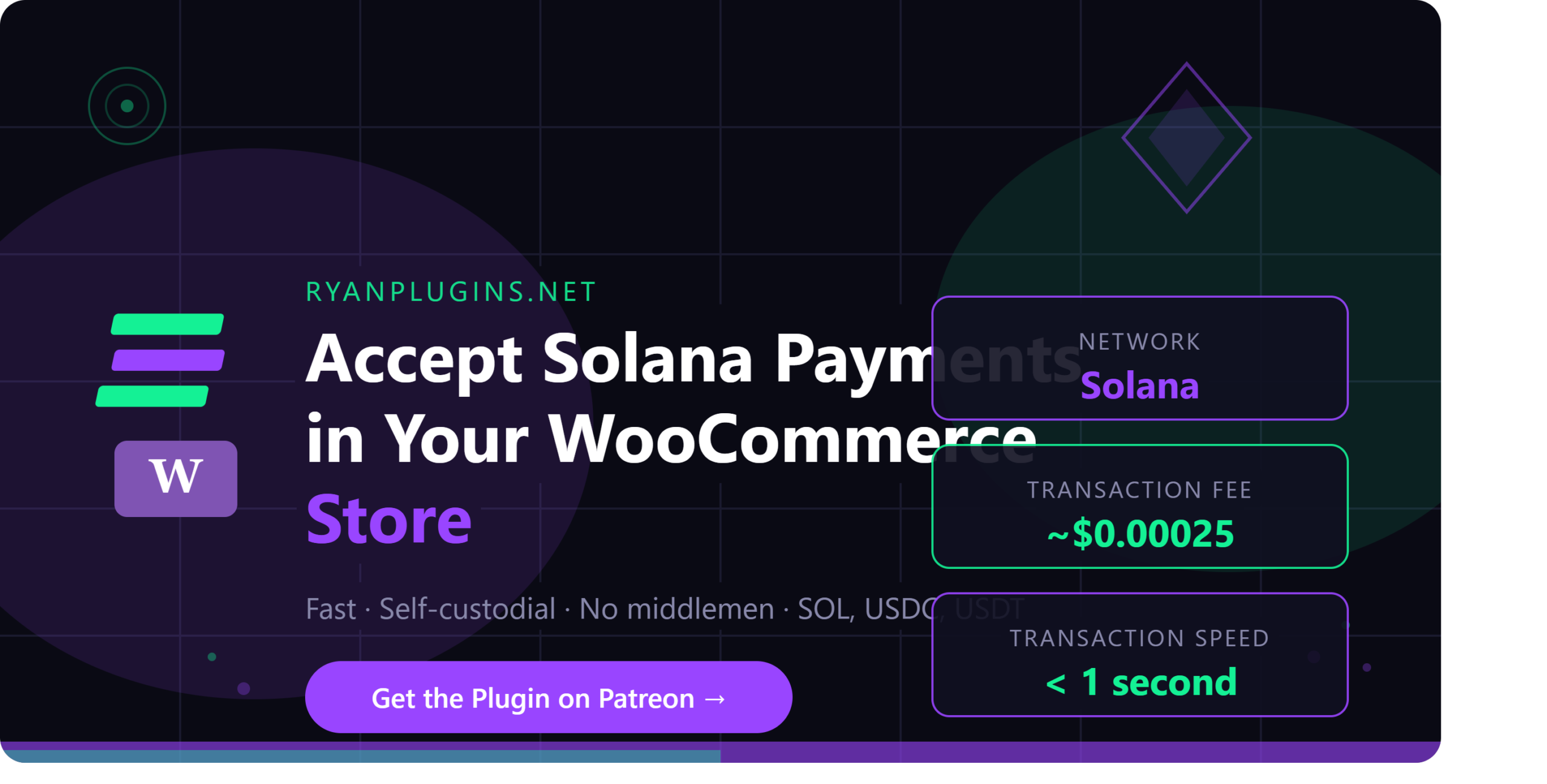
Solana WooCommerce integration is the fastest way to open your store to the growing wave of crypto-native buyers. Solana stands out among all blockchain networks for one reason: sub-second transaction finality with fees under a fraction of a cent — making it the most practical chain for real e-commerce, not just speculation.
If you’re running a WooCommerce store and want to start accepting SOL, USDC, or USDT — without routing funds through an exchange or third-party custodian — this step-by-step guide walks you through the entire setup using the RyanPlugins Crypto Wallet Payment Gateway, available for a one-time price of $79 USD.
Table of Contents
- Why Solana WooCommerce Payments Make Sense
- Step 1: Install the Plugin
- Step 2: Configure Your Solana Wallet Address
- Step 3: Test on Devnet
- Step 4: Go Live on Mainnet
- Supported Tokens
- What Customers See at Checkout
- Pricing
- Frequently Asked Questions
Why Solana WooCommerce Payments Make Sense
Most crypto payment plugins built on Ethereum carry the baggage of high gas fees, slow confirmations, and a clunky checkout experience. Solana WooCommerce payments solve all three. Transactions settle onchain in milliseconds, fees are a fraction of a penny, and wallets like Phantom, Solflare, and Backpack are polished enough for mainstream users.
Checkout friction kills conversions. A slow blockchain confirmation — or a surprise $15 gas fee — sends customers straight back to Google. Solana WooCommerce eliminates both friction points at once.
There’s a market opportunity here too. A growing segment of online buyers actively prefers to pay in crypto, especially in regions where credit card infrastructure is unreliable or merchant processing fees are punishing. Solana’s speed and near-zero fees make it uniquely suited for everyday commerce — not just speculation.
Already accepting card payments? The RyanPlugins Crypto Wallet gateway runs alongside any other payment method — including the Accept Blue V2 Payment Gateway — giving your customers full flexibility at checkout.
What You’ll Need
- A live WooCommerce store (WordPress 6.x, WooCommerce 8.x or later)
- A Solana wallet address (Phantom, Solflare, or any wallet that generates a standard SOL address)
- The Crypto Wallet Payment Gateway plugin by RyanPlugins — a one-time purchase of $79 USD, available via Patreon membership
The RyanPlugins Crypto Wallet plugin is purpose-built for WooCommerce and handles the Solana integration natively — no third-party accounts, no custodial middleman, payments go wallet-to-wallet.
Step 1: Install the Plugin
Download the Crypto Wallet Payment Gateway from your Patreon membership page. In your WordPress dashboard, go to Plugins → Add New → Upload Plugin, select the downloaded ZIP, and click Install Now. Activate it once the upload is complete.
Step 2: Configure Your Solana Wallet Address
Go to WooCommerce → Settings → Payments and locate the Crypto Wallet gateway. Click Manage and configure the following fields:
- Enable/Disable — Toggle the Solana WooCommerce gateway on
- Title — What customers see at checkout (e.g., “Pay with Solana / Crypto”)
- Solana Wallet Address — Paste your receiving wallet address here. Verify it carefully — crypto transactions are irreversible.
- Accepted Tokens — Enable SOL, USDC, USDT, or any SPL token
- Network — Mainnet-Beta for live transactions; Devnet for testing (free test SOL from the Solana Devnet Faucet)
Click Save changes.
Step 3: Test the Checkout Flow on Devnet
Always test your Solana WooCommerce setup on Devnet before going live:
- Install the Phantom wallet browser extension
- Switch Phantom to Devnet and fund it from the Solana Devnet Faucet
- Place a test order on your store and select the Crypto Wallet payment method
- Connect your wallet and confirm the transaction when prompted
Your WooCommerce order status will update within seconds — that’s Solana’s speed advantage working in your favor.
Step 4: Go Live on Mainnet
Once your test passes, switch the Network setting from Devnet to Mainnet-Beta. Before you go live, confirm:
- Your Mainnet wallet address is entered correctly (not a Devnet address)
- HTTPS / SSL is active on your store (required for all payment gateways)
- You’ve completed at least one full end-to-end Devnet test
Supported Tokens
The RyanPlugins Crypto Wallet plugin supports these Solana tokens in WooCommerce:
| Token | Type | Notes |
|---|---|---|
| SOL | Native | Solana’s native token |
| USDC | SPL Stablecoin | USD-pegged, most popular for commerce |
| USDT | SPL Stablecoin | Tether on Solana |
| Custom SPL Tokens | SPL | Add any token by contract address |
Stablecoins like USDC and USDT let you accept crypto without exposure to SOL price swings — you receive the exact purchase amount in digital dollars.
What Customers See at Checkout
When a customer selects the Solana WooCommerce payment option, the flow is smooth and familiar:
- A wallet connection prompt appears (Phantom, Solflare, Backpack, or any Solana-compatible wallet)
- The order total is shown in their chosen token with real-time conversion rates applied
- They approve the transaction in their wallet — one click
- They land on the order confirmation page within seconds of onchain confirmation
No account creation, no third-party redirects, no gas fee surprises. The entire Solana WooCommerce checkout happens on your store.
Pricing
The RyanPlugins Crypto Wallet Payment Gateway is a straightforward, one-time purchase — no subscriptions, no per-transaction fees taken by the plugin itself, and no recurring license charges to keep it running.
One-Time Purchase
$79 USD
Crypto Wallet Payment Gateway for WooCommerce
- ✓ Lifetime access, all future updates included
- ✓ SOL, USDC, USDT & custom SPL tokens
- ✓ Mainnet & Devnet support
- ✓ HPOS compatible
- ✓ Priority support
At $79 USD, the plugin typically pays for itself within your first few crypto sales by avoiding third-party processor cuts and exchange fees.
Frequently Asked Questions
How much does the Solana WooCommerce plugin cost?
The Crypto Wallet Payment Gateway is a one-time purchase of $79 USD. There are no monthly fees, no subscriptions, and no per-transaction charges from the plugin itself — you own it outright, with all future updates included.
What do I need to get set up?
You need a live WooCommerce store running WordPress 6.x and WooCommerce 8.x or later, a Solana wallet address to receive funds, and an active SSL certificate on your store. No third-party payment processor account is required.
Is this compatible with WooCommerce HPOS?
Yes. The RyanPlugins Crypto Wallet plugin fully supports High-Performance Order Storage (HPOS).
Is it secure? Do I need to sign up for any service to accept Solana payments?
No. The plugin is fully self-custodial — your customers send directly to your wallet. There is no intermediary account, approval process, or KYC requirement, so there’s no third-party custodian holding your funds or your keys.
What happens if a customer sends the wrong token?
Payments go directly onchain to your wallet. If a customer sends an unsupported token, you’ll receive it in your wallet but the WooCommerce order will not auto-confirm. The plugin only monitors the tokens you have enabled in settings.
Can I run Solana WooCommerce payments alongside card payments?
Yes. The Crypto Wallet gateway works alongside any other active WooCommerce payment method. Customers simply choose their preferred option at checkout.
Get the Solana WooCommerce Plugin
Have questions about setting up Solana WooCommerce payments? Drop a comment below or reach out via the Patreon community.